
Developer Unit DV-1158 for Kyocera 2040dn
, by Narendra Vaid, 6 min reading time
, by Narendra Vaid, 6 min reading time
The Original Kyocera DV-1158 Developer Unit is a genuine Kyocera component designed to deliver consistent, high-quality prints and reliable performance. It works with the toner cartridge to properly develop images on the drum, ensuring sharp text and clean output. This developer unit is fully compatible with Kyocera ECOSYS M2040dn, M2640DN, and select related models, providing seamless integration. Using the original DV-1158 helps prevent print defects and protects critical printer parts. Pricing varies by seller, so purchasing from authorized dealers is recommended to ensure authenticity. Proper installation, original toner usage, and regular maintenance help extend the life of both the developer unit and the printer.
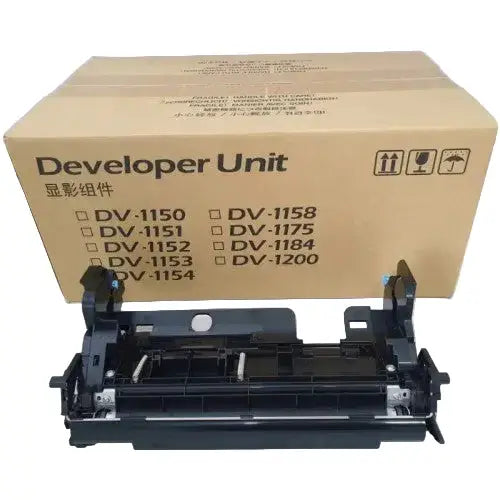
Explore the high-quality Original Kyocera DV-1158 Developer Unit, specifically designed for the Kyocera Ecosys M2040DN and M2640DN printers. This developer unit ensures reliable performance and exceptional print quality, making it an ideal choice for businesses seeking consistent and professional document output. Discover why this genuine Kyocera product is essential for maintaining your printer's optimal function.
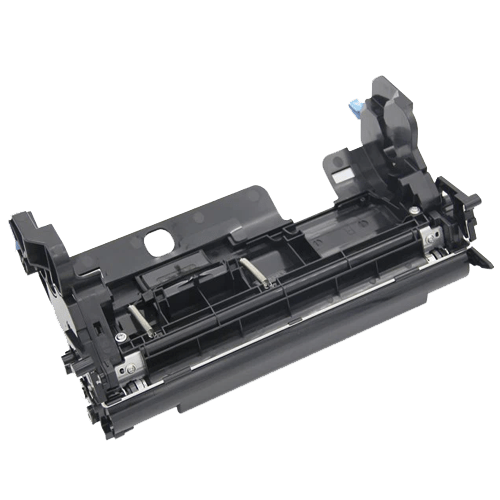
The DV-1158 developer unit is an original Kyocera part, vital for the printing process. This unit works with the toner cartridge to develop the image on the drum before it's transferred to paper. As a result, using this high-quality developer unit ensures sharp, clear prints. It's a key component for maintaining the printer's quality output and reliable performance as a quality Kyocera product.
This developer unit, the DV-1158, is perfectly compatible with Kyocera Ecosys M2040DN and M2640DN models, but it also works with other Kyocera printers like the M2135dn and M2635dn. Ensuring compatibility is critical for printer performance. When you buy this original developer unit, you ensure seamless integration and optimal function with your Kyocera printer, eliminating compatibility issues of generic printer parts.
The Kyocera Ecosys M2040DN is a versatile MFP printer known for its efficiency and quality prints. Using the correct printer parts such as the DV-1158 developer unit is essential for maintaining its performance. This printer is a reliable choice for businesses due to its print quality and cost-effectiveness. To keep your Kyocera Ecosys M2040DN running smoothly, always use original Kyocera products for replacement.
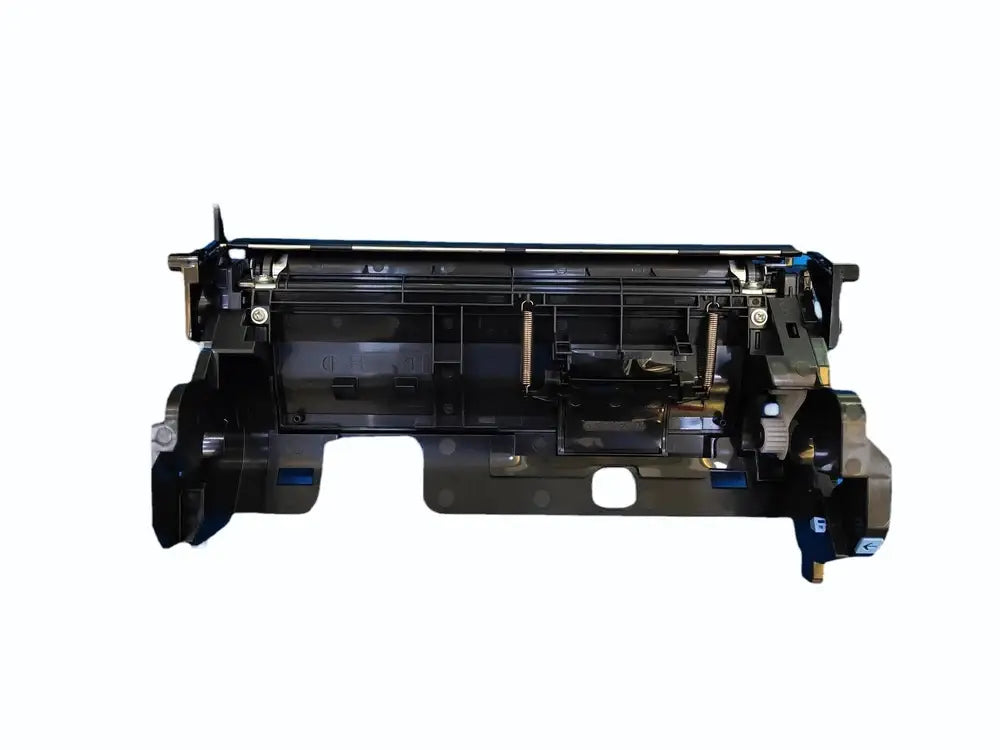
The price of the original Kyocera DV-1158 developer unit may vary depending on the seller and supplier. For the best price, it's advisable to check with multiple vendors. You might find that the price in Mumbai differs from prices elsewhere due to shipping and local market conditions. Be sure to compare prices to ensure you are getting the best deal on this high-quality, compatible developer unit for your Kyocera printer, essential for reliable performance.
To buy a genuine Kyocera DV-1158 developer unit, it's best to purchase from authorized Kyocera dealers or reputable online retailers such as Asia Enterprises. This ensures you receive an original product, not a replacement part of lesser quality, that is fully compatible with your Kyocera Ecosys M2040DN printer. Authentic printer parts guarantee reliable performance and maintain the quality of your prints. Avoid counterfeit products by verifying the seller's credibility before you buy, and look for the manufacturer's packaging.
Shipping and delivery options for the DV-1158 developer unit will depend on the seller and your location. Many suppliers offer delivery throughout India. Shipping costs can vary. Some sellers may provide free shipping on this printer part as part of promotional deals, or they may charge based on weight and location. Make sure to check the delivery terms before you buy. If you are in Mumbai and the supplier location is also in Mumbai, you might be able to pick up your order.
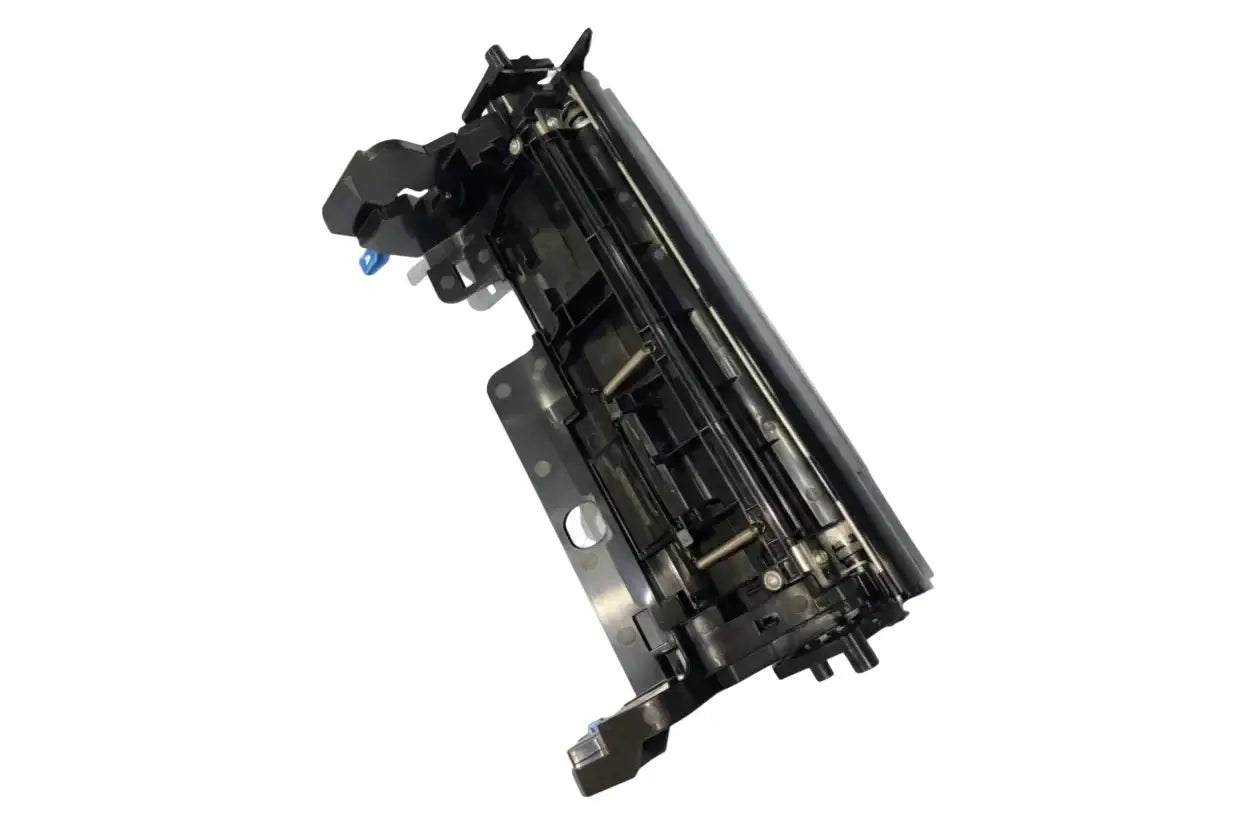
When considering the DV-1158 developer unit, it's useful to compare it with other models such as the DV-1150. The DV-1150 developer unit, while compatible with some Kyocera models, may not offer the same level of performance in the M2040DN or Kyocera Ecosys M2040DN printer. Ensure you check compatibility charts to guarantee the best product fit. Consider that the Kyocera part and original developer unit is essential for reliable performance, and it is important to select the correct developer.
Besides the developer unit, using the right toner cartridge is key for optimal print quality. Using a compatible toner cartridge ensures that the DV-1158 developer unit functions effectively. Always choose original Kyocera toner cartridges to avoid printer issues and to keep the printed output sharp and professional. Check the printer manual for a list of toner cartridges that are compatible with your Kyocera printer model like the M2040DN or other Kyocera Ecosys.
When looking to buy the DV-1158 developer unit in Asia, it's crucial to find reputable sellers and suppliers such as Asia Enterprises that offer genuine Kyocera products. The price of the DV-1158 developer unit may vary among suppliers, so compare prices to ensure you get the best price. Look for suppliers that offer reliable shipping and delivery options within India. Verify that you are purchasing an original developer unit to avoid counterfeit or low-quality replacement parts.
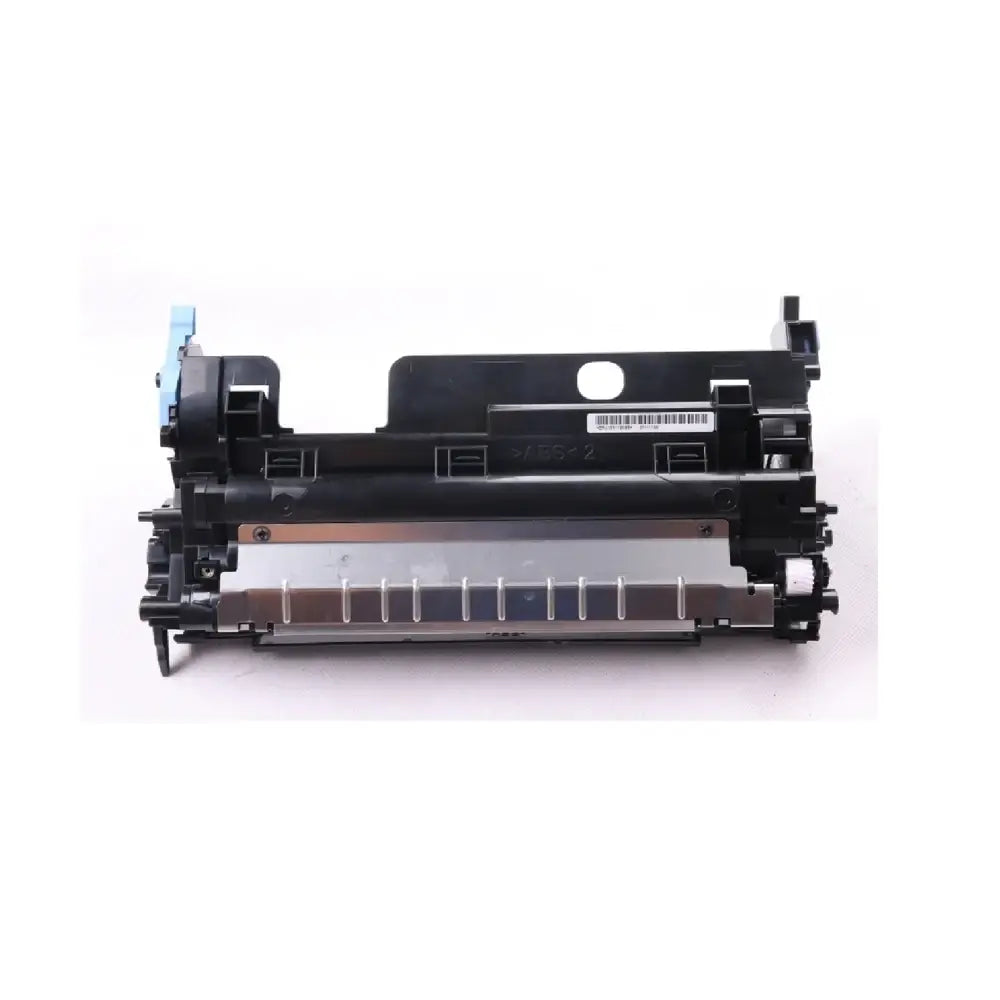
For installing the DV-1158 developer unit, always follow Kyocera's official installation guidelines. Improper installation can lead to poor print quality or damage to the printer. Before you install the new developer unit, turn off the printer. Be sure that all printer parts such as the drum and fuser unit are clear of any obstructions. After installation, run a test print to confirm it works, ensuring your Kyocera Ecosys M2040DN works as intended.
Here's how to maintain your Kyocera MFP effectively. There are a few key actions to keep in mind:
Use only original Kyocera replacement parts to ensure compatibility and reliable performance. Schedule routine maintenance checks to identify and address issues early. This helps prolong the life of your Kyocera printer and keep it working at its best. Scheduled maintenance also helps prevent costly repairs, extending the life of the printer.
To extend the longevity of your developer unit like the DV-1158, there are several important things to consider:
Regular maintenance, including cleaning and using the recommended printer parts, will keep your Kyocera Ecosys M2040DN printer running smoothly and avoid the need for frequent replacement.