
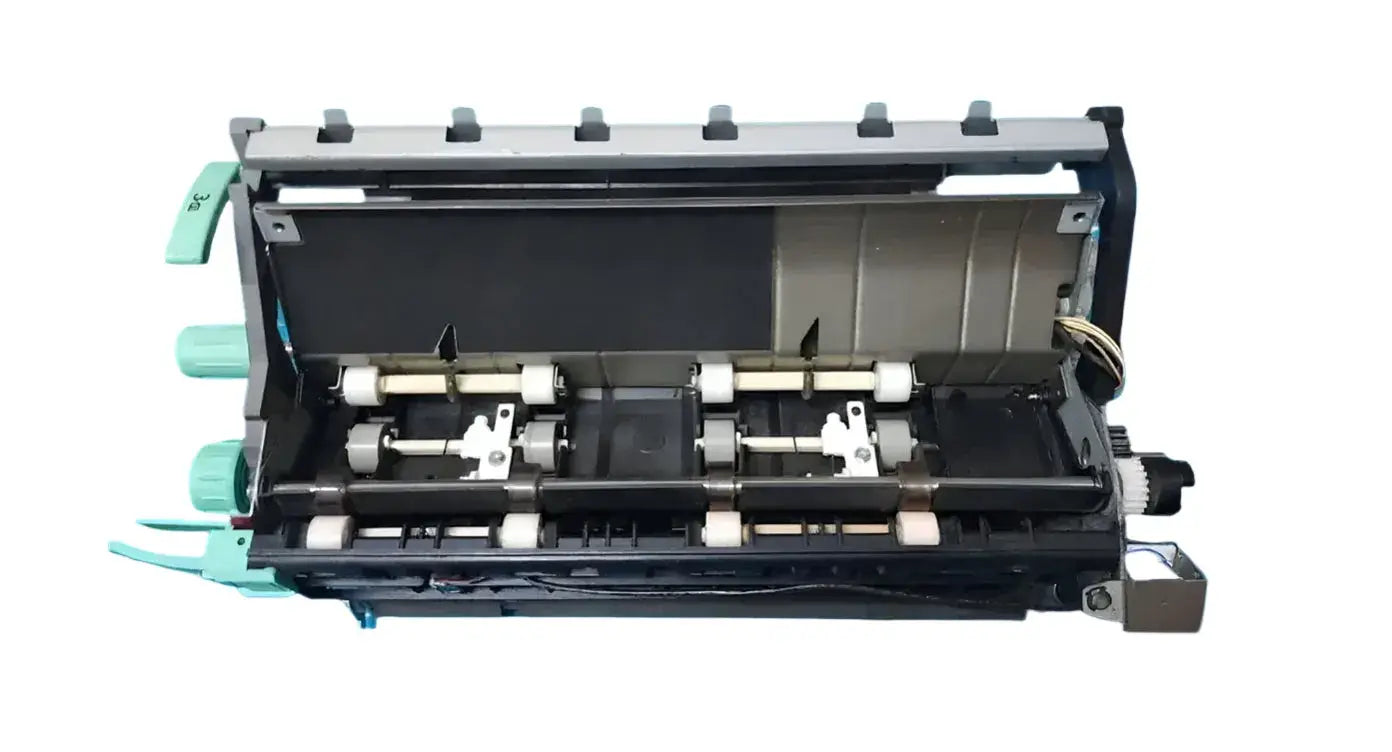
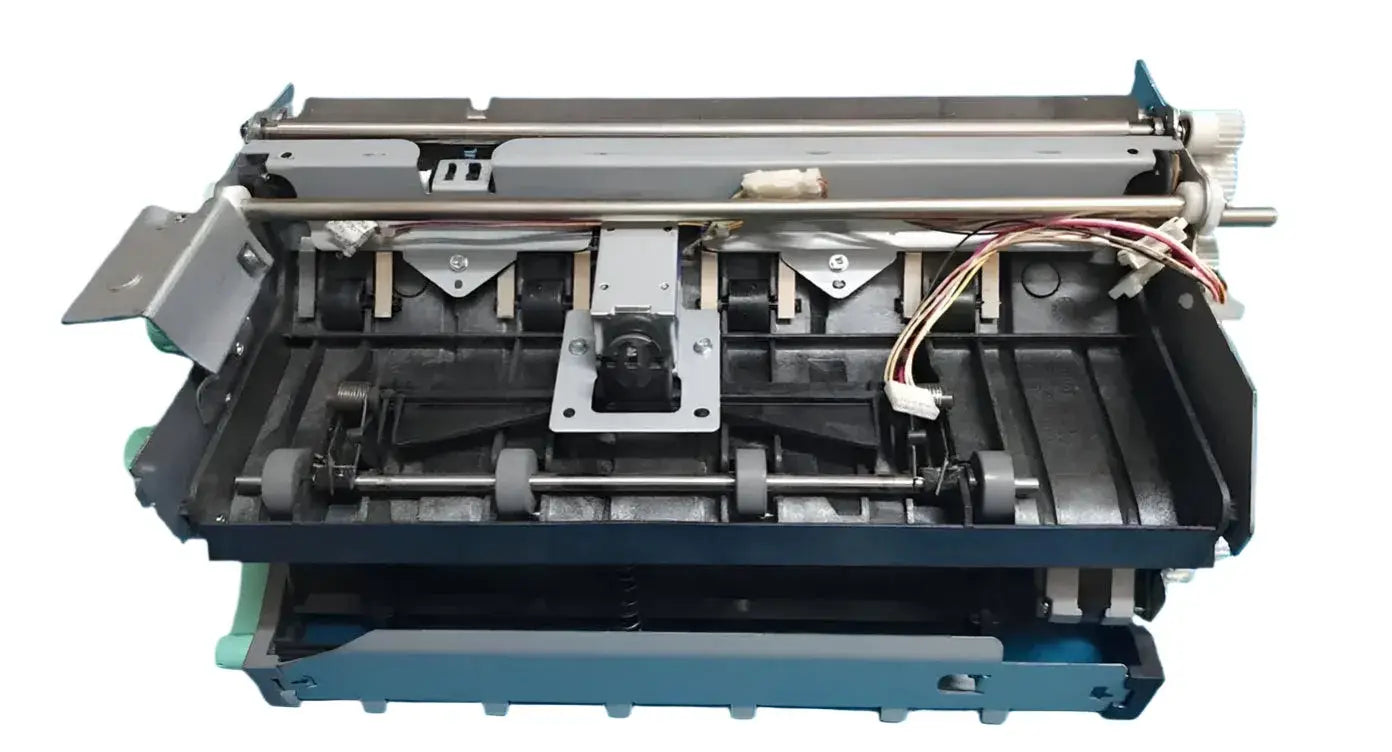
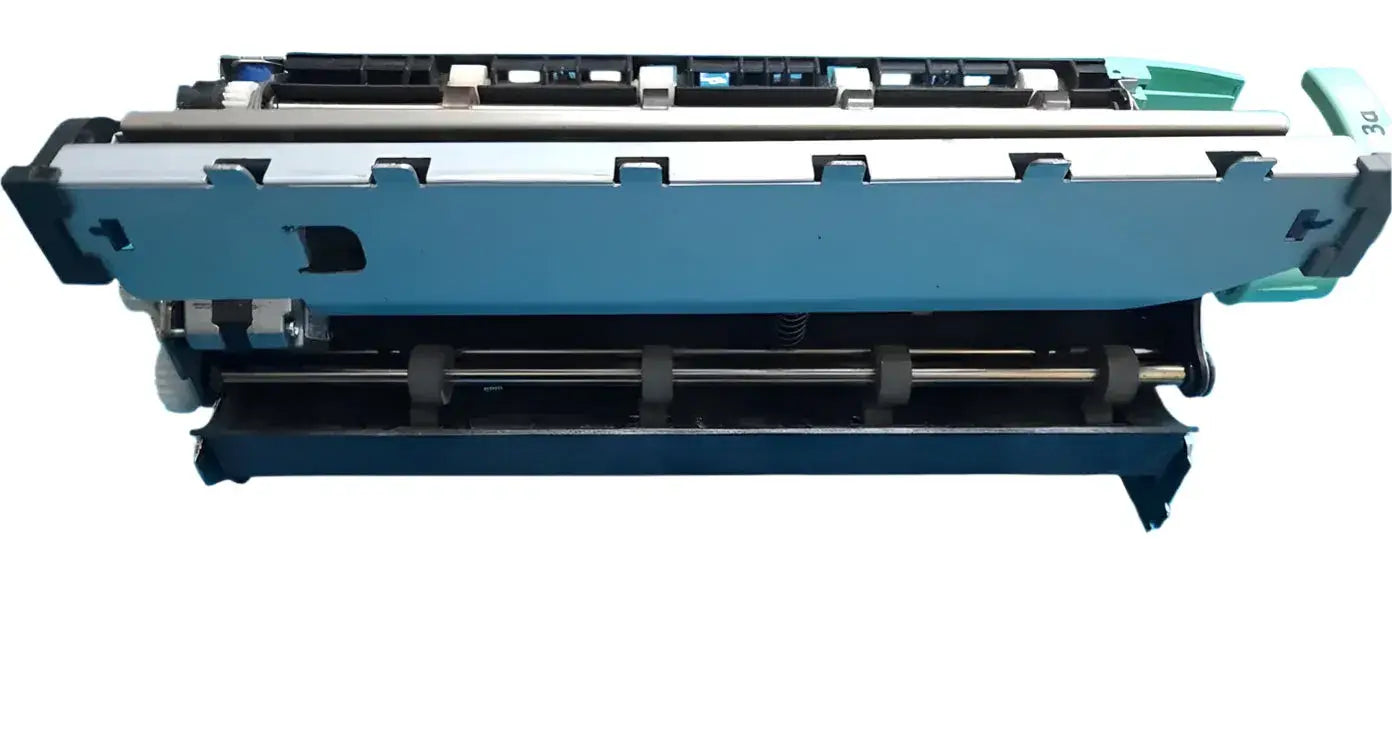
Xerox Workcentre 5755 delivery unit
, by Narendra Vaid, 10 min reading time
, by Narendra Vaid, 10 min reading time
The Xerox WorkCentre 5755 is a high-performance multifunction printer, and its drum unit is essential for transferring toner to paper with precision. The genuine 5755 drum ensures optimal print quality, compatibility, and long-term reliability, reducing the risk of damage compared to non-genuine parts. It works by creating an electrostatic image that attracts toner, which is then fused to paper. Signs of a worn drum include faded prints, streaks, and toner smudges, making timely replacement crucial for maintaining consistent performance.
Xerox WorkCentre 5755 drum unit, essential for maintaining optimal print quality in your Xerox WorkCentre printer. This guide provides detailed information relevant to users in Mumbai and Maharashtra, focusing on the availability, compatibility, and maintenance of the 5755 drum unit and related components. Whether you're looking to replace your existing drum unit or troubleshoot common issues, this resource aims to offer practical advice and solutions.
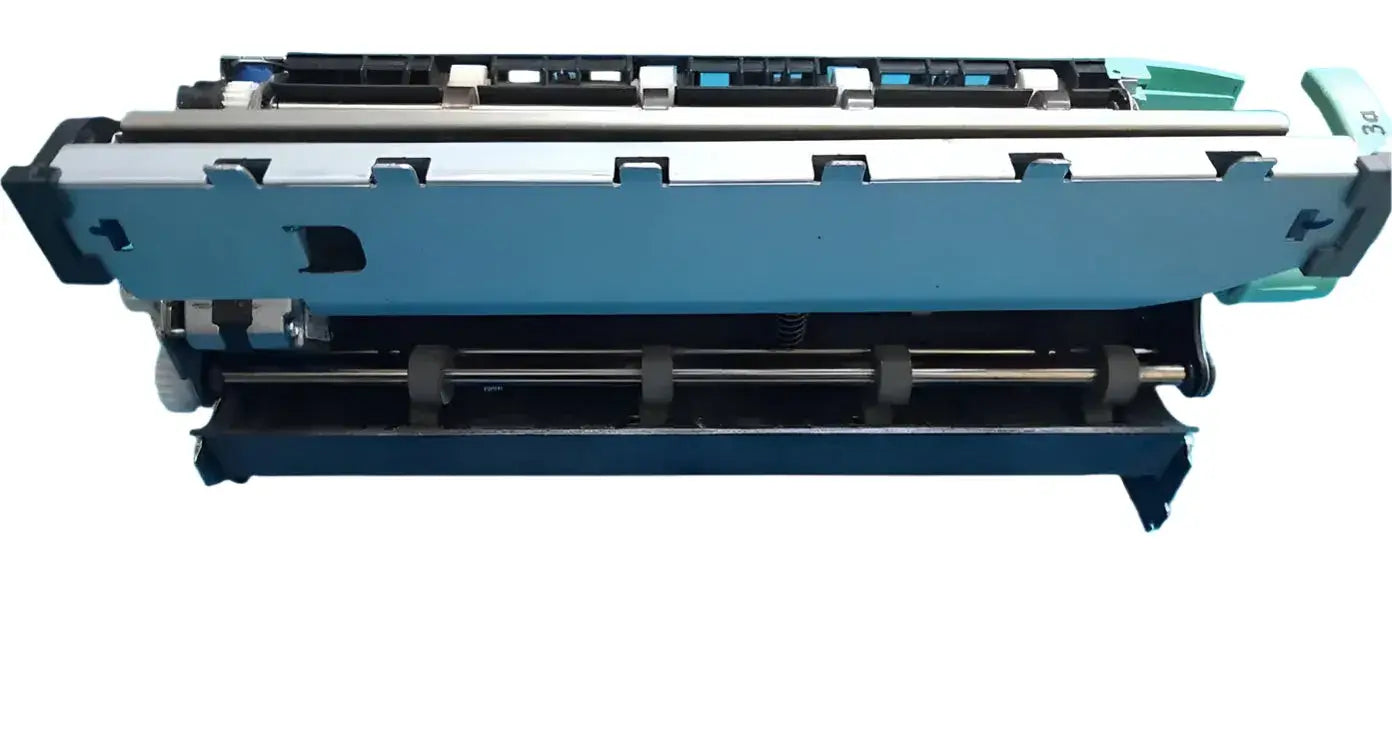
The Xerox WorkCentre 5755 is a versatile multifunction printer, known for its reliability and efficiency in office environments. The 5755 drum unit is a critical component for transferring toner onto the paper to create images and text. Regular maintenance and timely replacement of the 5755 drum unit are crucial to ensure consistent print quality and prevent potential printer malfunctions. The Xerox WorkCentre 5755 is designed to handle a variety of printing needs, from basic documents to complex graphics.
The Xerox WorkCentre 5755 boasts several key features that make it a popular choice for businesses. Specifically, it offers:
The 5755 printer utilizes laser print technology and is designed for high-volume printing, making the 5755 drum unit's performance particularly important. Furthermore, the copier's user-friendly interface and network connectivity options enhance productivity. Ensuring that your Xerox WorkCentre 5755 is equipped with a functional 5755 drum is key to maintaining these features.
The Xerox WorkCentre 5755 drum unit is specifically designed to be compatible with the Xerox WorkCentre 5755 printer. The 5755 drum is engineered to work seamlessly within the printer's system, ensuring optimal performance and longevity. Additionally, the 5755 drum unit is also compatible with several other Xerox WorkCentre models, including 5745, 5755, 5765, 5775, and potentially models in the 5845, 5855, 5865, 5875, and 5890 series. Always verify compatibility with your specific printer model before purchasing a replacement 5755 drum or other spare parts.
Using genuine Xerox products like the Xerox WorkCentre 5755 drum unit offers several advantages over compatible alternatives. Specifically, you can expect that using a genuine 5755 drum:
Furthermore, you get guaranteed compatibility, reliable performance, and extension of the printer lifespan because genuine Xerox supplies are manufactured to meet strict quality standards. Investing in genuine Xerox products is a cost-effective strategy for long-term printer maintenance and reliability.
The 5755 drum unit, also known as the OPC drum, is a critical component within your Xerox WorkCentre 5755 printer. The 5755 drum's primary function is to transfer the toner onto the paper, forming the image or text you intend to print. It’s a light-sensitive cylinder that works in conjunction with the laser to create the electrostatic image. This Xerox WorkCentre 5755 drum unit ensures clear and precise print quality.
The 5755 drum unit operates through a complex series of steps. These steps include:
Toner particles are then attracted to these discharged areas, forming a visible image on the drum. Finally, this image is transferred to the paper via pressure and heat, with the 5755 fuser unit ensuring permanent adhesion.
Recognizing the signs of a worn 5755 drum unit is essential for maintaining print quality. Common indicators include faded prints, streaks, or repetitive marks on the printed pages. You might also notice toner smudging or uneven toner distribution. A failing 5755 drum may also trigger error messages on the printer's display. Addressing these issues promptly with a drum cleaning blade or drum replacement prevents further damage and ensures consistent performance from your Xerox WorkCentre printer.
While the 5755 drum unit is primarily designed for the Xerox WorkCentre 5755, it's often compatible with other Xerox WorkCentre models. These can include the 5745, 5765, 5775, and certain models within the 5845, 5855, 5865, 5875, and 5890 series. Always verify compatibility using your printer's model number to ensure proper fit and function. Check for information regarding specific genuine Xerox parts and corresponding printer models when looking for a Xerox WorkCentre replacement.
The toner cartridge is another essential supply for your Xerox WorkCentre 5755. The toner is a fine powder composed of plastic particles, carbon, and coloring agents. During the printing process, the toner is transferred to the 5755 drum and then fused onto the paper to create the final image. Copier World offers a range of specific ink and toner products, including "1210 15 A toner for canon." Selecting the correct toner cartridge ensures optimal print quality and compatibility with your Xerox WorkCentre 5755 printer.
Besides the 5755 drum unit and toner cartridges, several other parts are crucial for the proper functioning of your Xerox WorkCentre 5755. The fuser unit, for example, melts the toner onto the paper, creating a permanent image. Other important components include the transfer belt, rollers, and delivery unit. Regular maintenance of these parts ensures the longevity and reliability of your Xerox WorkCentre and minimizes the need for costly repairs or replacements, such as a complete fuser unit replacement or a Xerox WorkCentre 5755 fuser kit.
Finding the right supplier for your 5755 drum unit in Mumbai is crucial for maintaining your Xerox WorkCentre 5755 printer. Many options are available, from online retailers to local office supply stores. Ensure the supplier is reputable and offers genuine Xerox products to guarantee compatibility and optimal performance. When purchasing a replacement 5755 drum, consider factors such as price, delivery options, and warranty.
The price of a 5755 drum unit can vary significantly among different suppliers in Mumbai. Comparing prices from multiple sources is essential to find the best deal. Keep in mind that the lowest price may not always indicate the best value; consider the quality of the product and the reputation of the supplier. Factor in shipping costs, warranty terms, and the availability of technical support when evaluating the total cost of the 5755 drum.
When purchasing a 5755 drum unit online, consider the delivery and shipping options available. Many suppliers in Mumbai offer fast and reliable shipping, ensuring minimal downtime for your Xerox WorkCentre printer. Check the estimated delivery time and shipping costs before placing your order. Some suppliers may offer free shipping for orders above a certain amount. Also, confirm if the supplier ships directly to your location in Mumbai or Maharashtra.
Replacing the 5755 drum unit is a straightforward process that can be done with some basic tools and following a guide. First, turn off the Xerox WorkCentre 5755 printer and allow it to cool down. Open the front cover and locate the old 5755 drum unit. Remove the old 5755 drum carefully, avoiding touching the drum surface. Insert the new 5755 drum, ensuring it clicks into place. Close the front cover and turn on the printer.
Regular cleaning of the 5755 drum and the printer's internal components can help maintain print quality and extend the lifespan of the Xerox WorkCentre. Use a soft, lint-free cloth to gently wipe the 5755 drum surface, removing any dust or toner particles. Clean the printer's rollers and other accessible parts to prevent paper jams and ensure smooth operation. Use a dedicated printer cleaning kit for best results. The drum cleaning blade should also be checked for wear.
While many maintenance tasks can be performed by the user, certain issues may require professional assistance. If you experience persistent print quality problems, error messages, or mechanical malfunctions, it's best to contact a qualified printer technician. Attempting to repair complex issues yourself can potentially cause further damage to the Xerox WorkCentre 5755 printer. Professional repair services can diagnose and fix the problem efficiently, ensuring optimal performance and longevity. This might include a fuser unit or delivery unit repair, or a 5755 fuser kit installation.